Tenant Variables
Tenant variables are stored in a database and can be used in all the flows of a tenant. Every tenant has a Tenant Variables page where you can find the tenant variables. The empty list looks like this:
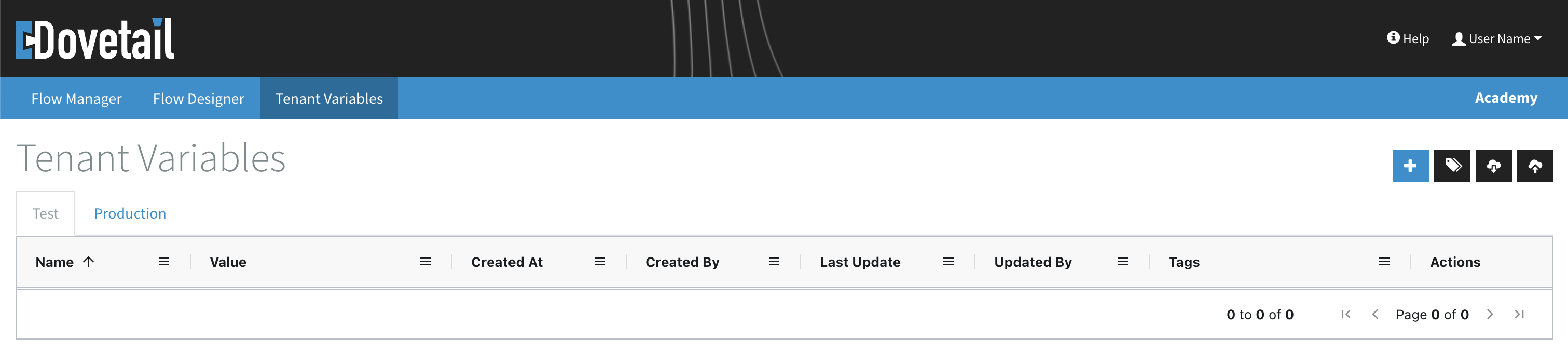
In the quicklink menu (top-right) you can:
- Create variables with
- Manage Tags with
- Export variables with
- Import variables with
Read more about using variables on this reference page.
Table Layout
Below you see an example where a couple of tenant variables have been created. The columns show the Name and Value, when/by who it was Created and Updated, Tags and Actions.
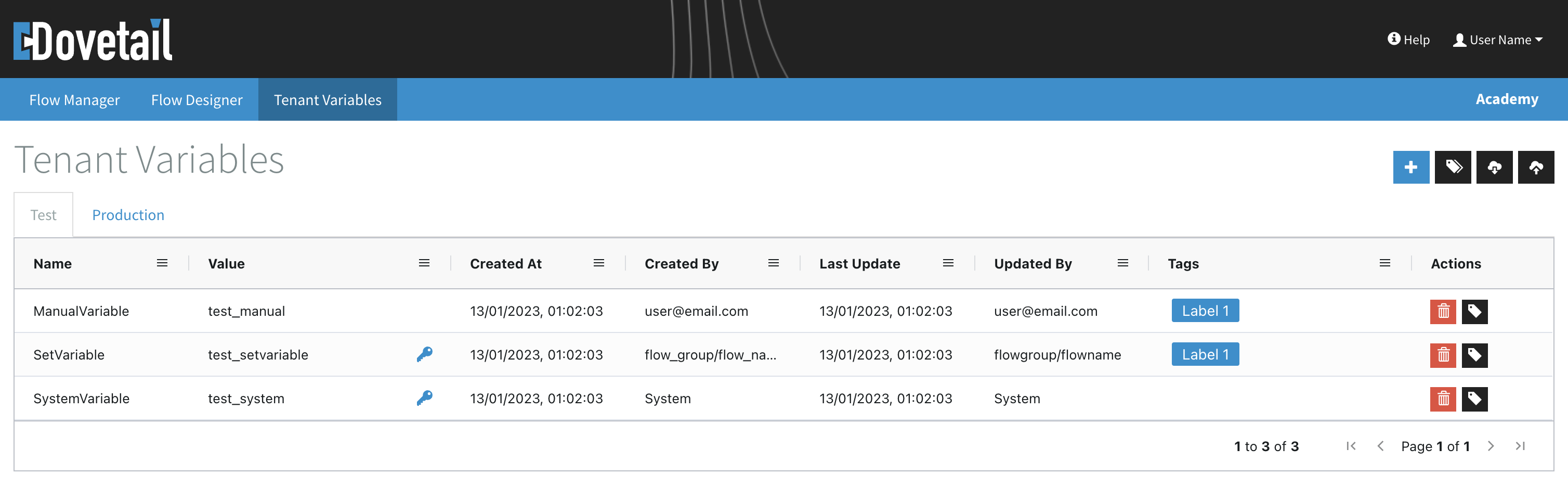
In the table you can:
- Use the tabs to switch between the Test and Production view
- Click the table headers to sort the list (on all columns except Value, Tags & Actions)
- Use
to filter the list
The actions you can perform in the list:
- Click on its name or value to edit a variable
- Use
to remove a variable - Use
to attach tags to a variable
The
Filter table
You can use the
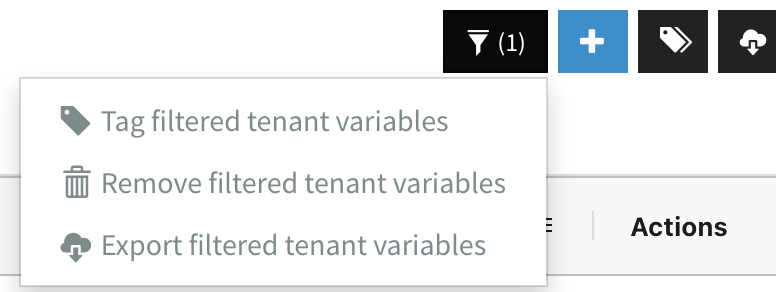
Here you can tag (
Create tenant variables
Tenant variables can be created manually or in a flow. When you create a new tenant variable it exists in both the Test and Production environment.
Manually
Click the
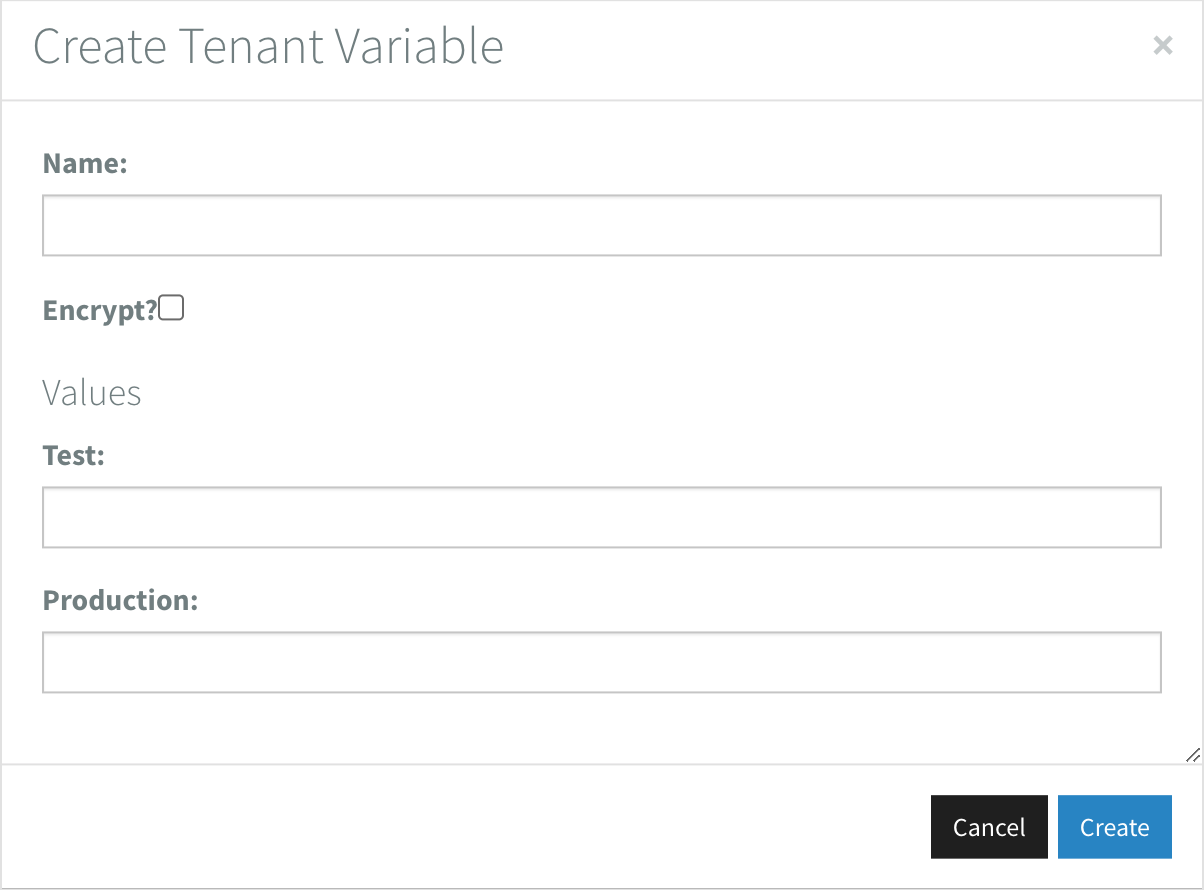
To create a tenant variable:
- Set the
Name(obligatory) - Enable
Encrypt?to store the variable values encrypted - Set the Values:
- under
Testfor the Test environment - under
Productionfor the Production environment
- under
Created/Updated By will show the user's email address.
In a flow
Use the SetTenantVariable component to create a tenant variable from within a flow.
Created/Updated By will show the flowgroup/flowname.
Edit tenant variables
Tenant variables can be edited manually or in a flow.
Manually
Click on a variable name or value to edit it.
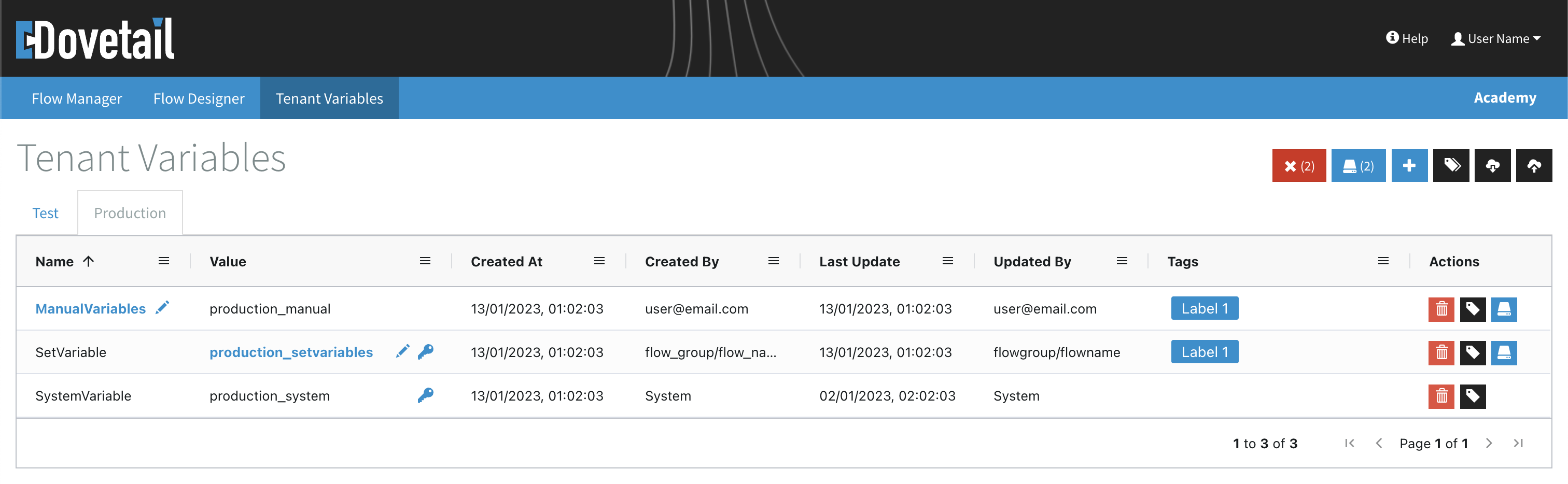
The
- Use
in the Actions column to save changes per variable - Use
in the quicklink menu to save all changes (indicated by the number) - Use
in the quicklink menu to discard all changes (indicated by the number)
In a flow
Use the SetTenantVariable component to edit the value of a tenant variable from within a flow.
Remove tenant variables
Tenant variables can be removed manually or in a flow.
Manually
Click on the
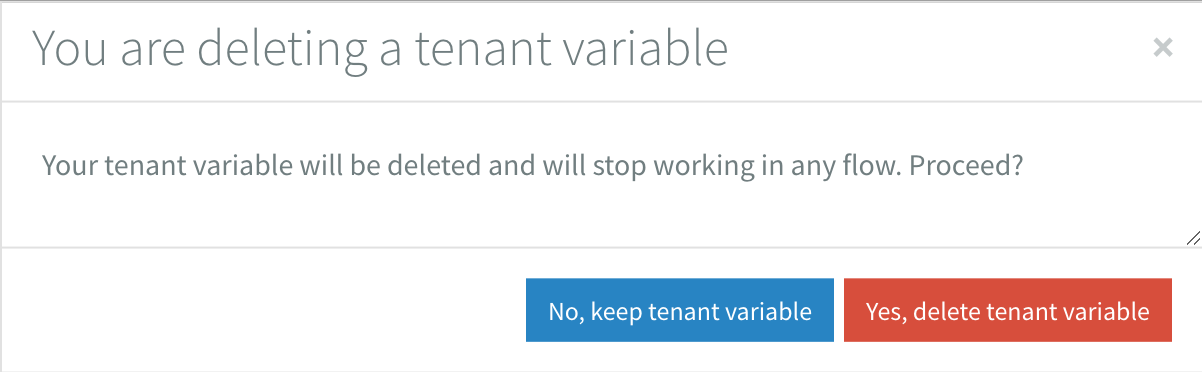
In a flow
Use the RemoveTenantVariable component to remove a tenant variable from within a flow.
Manage tags
Click the
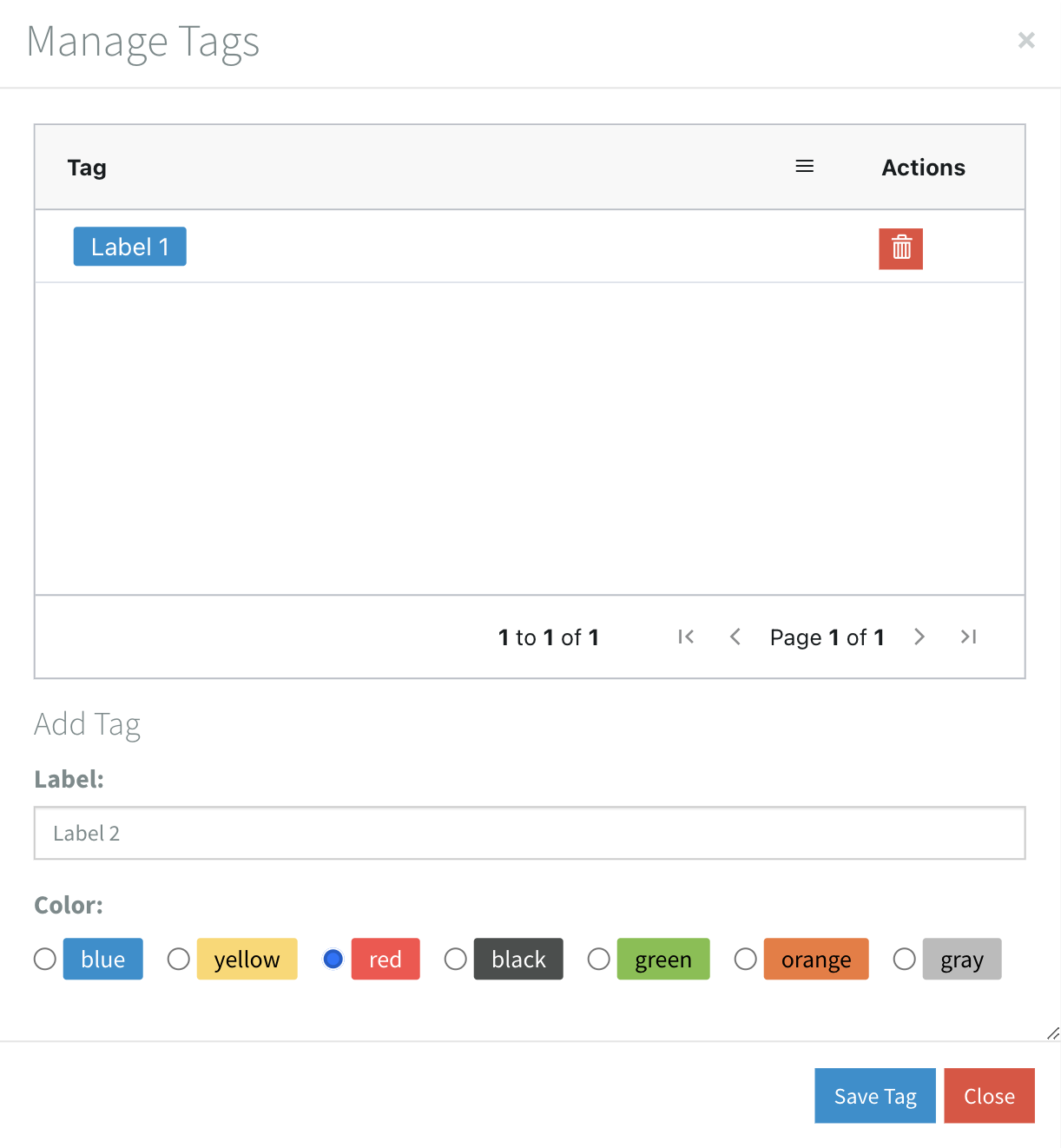
Add new tags
To add a tag set the Label & Color and save.
Remove tags
To remove a tag click the
Attach tags to variables
Click the
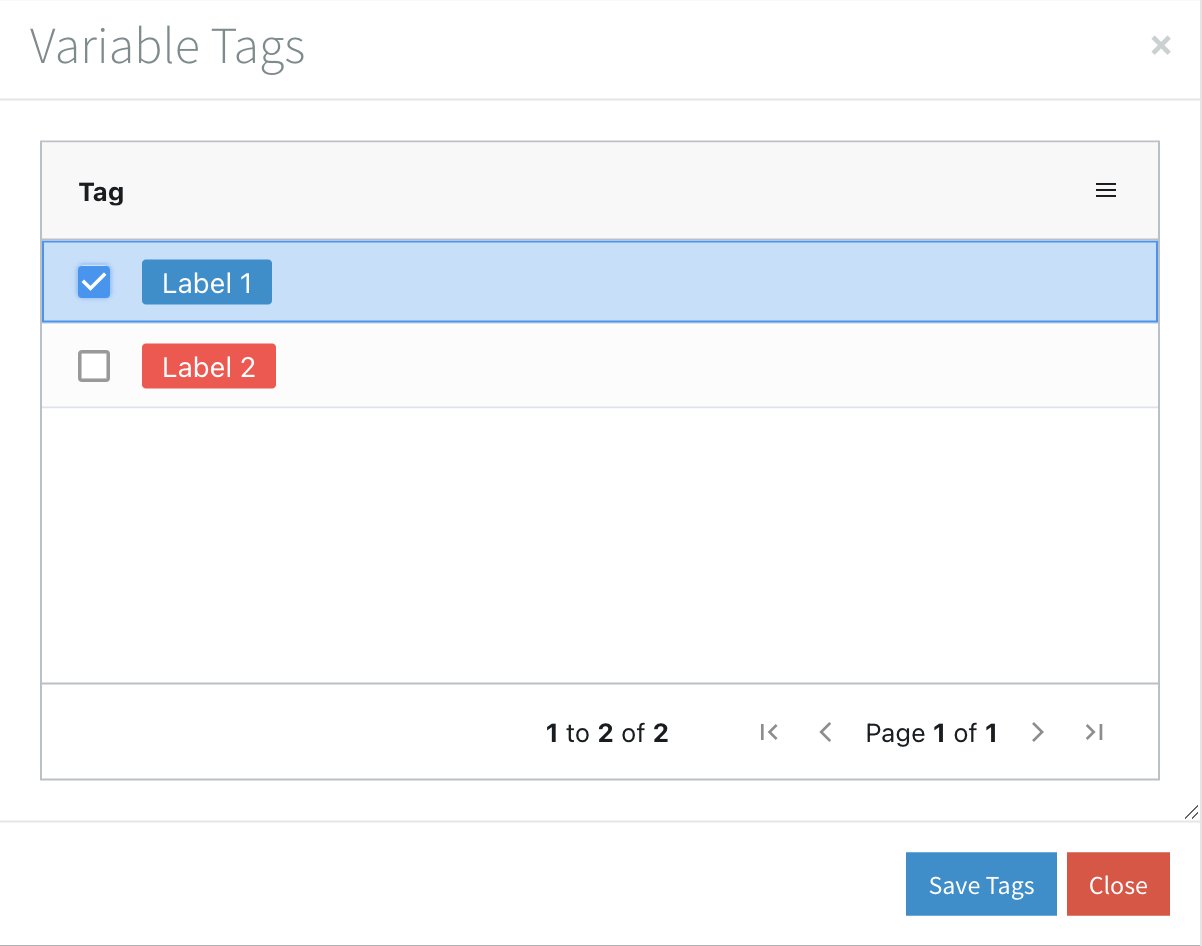
Alternatively you can filter the list and use the (
Export/Import tenant variables
You can export and import tenant variables.
Export
Click the
Import
Click the
When you import tenant variables the Created/Updated At/By are set with the current date:time and email address of the user.
Remarks
Some components use the tenant variables to save data. Created/Updated By will show System in these cases.